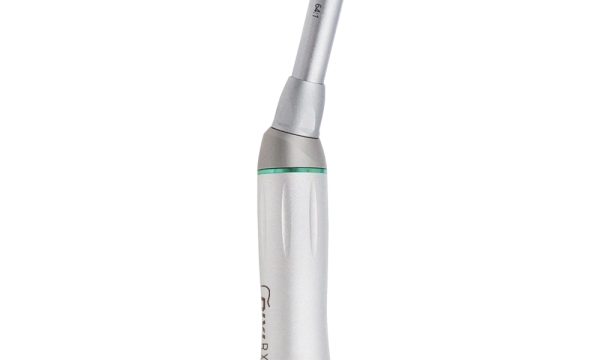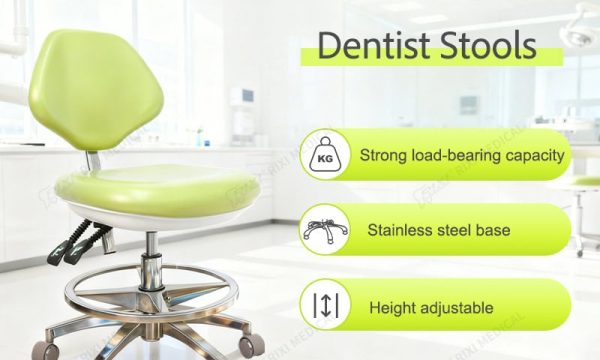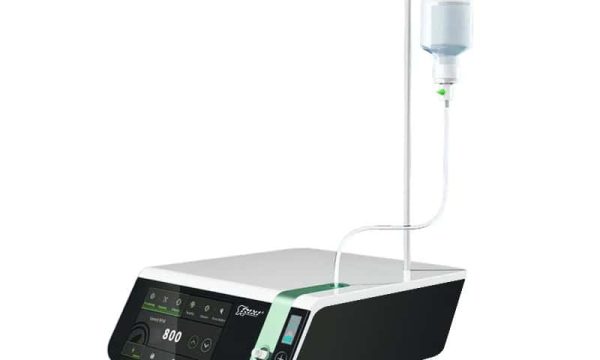
Product photographs are often the first evidence a clinic or distributor receives when comparing dental chairs. They can show the overall arrangement, visible controls, upholstery shape and accessory placement, but they do not prove the full specification. A useful review therefore connects each image to one model, one quoted configuration and one purchasing decision.
This guide explains how clinic owners, procurement teams and distributors can turn a folder of dental chair images into a controlled review record. It is intended for pre-order clarification and quotation review. Final dimensions, interfaces, materials and operating requirements still need confirmation in the supplier’s current documents.
Decide what the photographs must answer
Before asking for more pictures, identify the decisions the team is trying to make. One buyer may need to confirm whether a delivery console is left- or right-oriented. Another may need to understand the shape of the chair base, the position of the assistant holder or the clearance around the side unit. A distributor may need consistent views for catalogue preparation while keeping optional accessories clearly separated from the standard package.
Create a short question list first. It keeps the image request tied to purchasing work and reduces the risk of approving an attractive presentation that does not match the quotation. Buyers comparing complete units can use the current dental chair range to identify the exact product pages that belong in the review file.
Request a controlled shot list
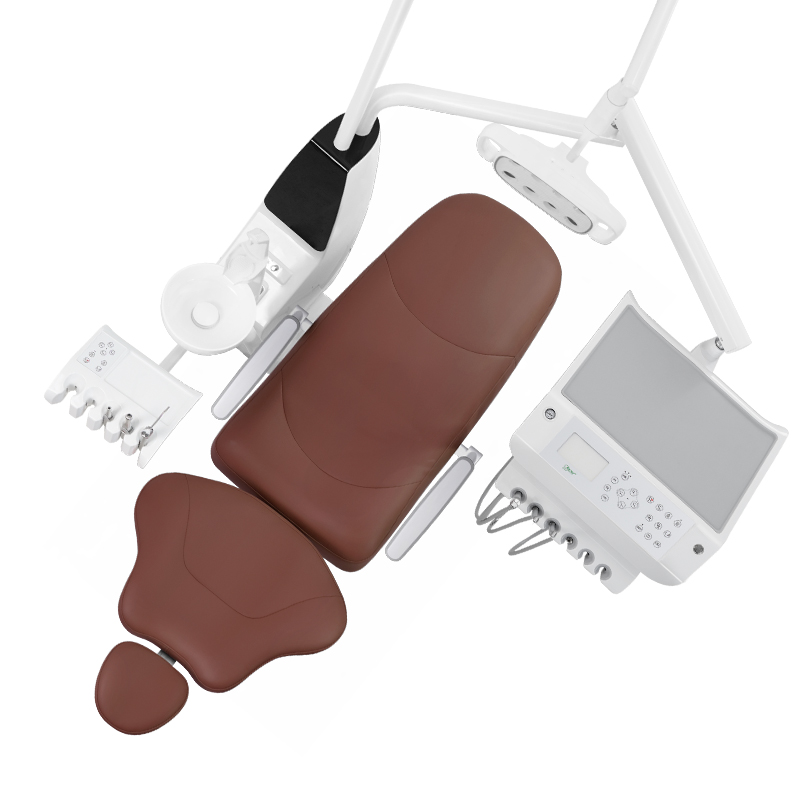
A dependable photo set uses repeatable views. Ask for a full front view, both sides, the rear service side and an elevated angle that shows the relationship between the chair, delivery system, light and assistant area. Add close-ups only where they answer a specific question. Examples include the foot control, instrument holders, control panel, armrest connection, headrest adjustment and accessible connection covers.
| Requested view | What it may help confirm | What still needs written evidence |
|---|---|---|
| Full unit from both sides | Visible layout and accessory position | Exact model, handedness and included scope |
| Rear and base views | Visible covers, cable routes and service approach | Utility entry, fixing method and service clearances |
| Console and holder close-ups | Control layout and instrument positions | Functions, interfaces and included instruments |
| Upholstery and finish details | Seams, shape and general colour family | Material code, approved swatch and cleaning guidance |
Keep the shot-list version and request date in the file. If the supplier sends an additional image later, record which question it closes instead of replacing the original set without explanation.
Match every image to a model and configuration
File names such as “chair final” or “green model” are weak identifiers. Use the supplier’s model name, quotation reference, image date and configuration note. If a photograph shows an option, label it as optional. If the model cannot be confirmed, keep the image in a reference folder rather than attaching it to an approval record.
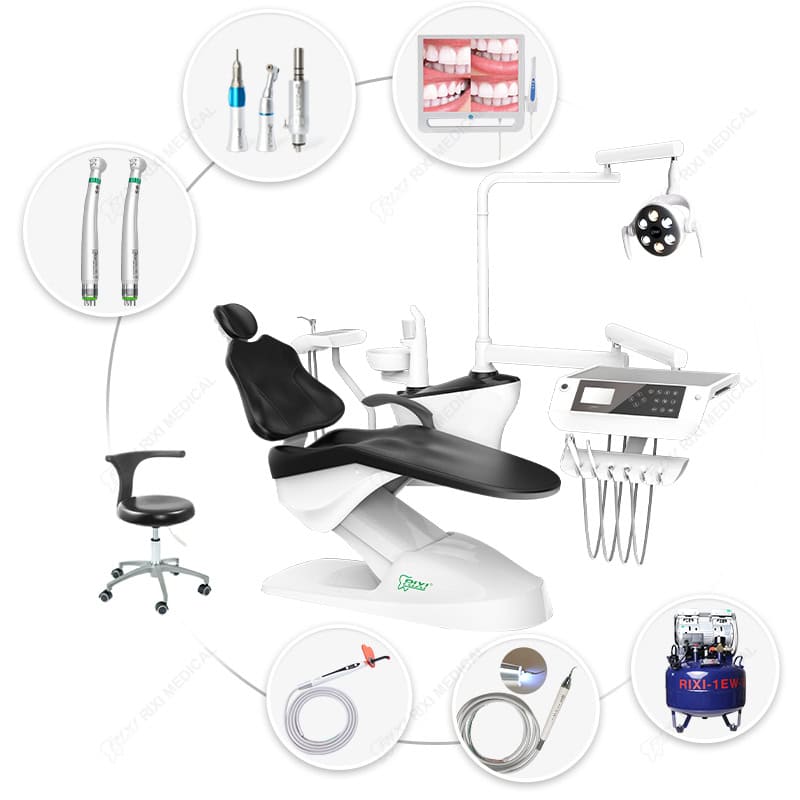
For example, the R5 chair package and the R3 floor-mounted chair are separate product references. A buyer should not infer that a control panel, delivery arrangement or accessory visible on one automatically belongs to the other. The quote and model-specific documents control the order.
Separate visible appearance from technical specification
A photograph can support identification, but scale, lighting and perspective can distort what the viewer thinks it proves. A wide-angle view may make a delivery arm appear shorter. A cropped image may hide the utility cover. Screen content can be illustrative. Upholstery colour may change under different lighting or display settings.
Use images to raise questions, then close those questions with dimensions, drawings, option codes or a supplier statement. For a broader material review, use the dental chair materials checklist. For upholstery construction, replacement scope and cleaning compatibility, refer to the upholstery specification guide.
Review interfaces and service access with close-ups
Visible interfaces deserve their own image record. Ask for the connection area around the delivery console, assistant holder, lamp arm, foot control and accessible service covers when those details affect the project. The purpose is not to instruct unqualified personnel to open equipment. It is to help the buyer identify which interfaces require supplier, installer or service confirmation.
Where a cover is shown closed, do not assume the concealed connection layout. Where a cable or hose appears in a photograph, do not infer its supplied length or specification. Add unresolved interface questions to the installation drawing request and assign them to the responsible supplier or locally qualified installer.
Control colour and finish decisions
Do not use a screen image as the only colour approval. Ask for the current colour code or supplier swatch reference and record where that finish applies: upholstery, moulded covers, metal parts or accessories. If several chairs must match, define whether the approval applies to one production batch, a repeat order or a distributor catalogue standard.
Note the limitations of each reference. A catalogue composition may combine several views. A room illustration can help the buyer discuss general appearance but should not be presented as proof of final installation. Physical samples, where available and practical, should carry an identifier that links them to the purchase record.
Use an exception log before approval
Photographs often reveal differences before they become order disputes. Record each difference as an exception with four fields: observed item, expected reference, responsible reviewer and required response. Classify it as accepted, rejected, optional, clarification pending or superseded by a newer controlled image.
Typical exceptions include a different armrest shape, an accessory shown but not quoted, an alternate console face, an unclear control label or a colour reference that has not been approved. Avoid editing the image itself to hide a mismatch. Keep the original file and place comments in the review record.
Connect photo review to the purchasing workflow
Photo review should end with a decision, not a larger image folder. Before purchase approval, confirm that the quotation, configuration list, installation drawing and image register all identify the same model. For a physical unit or pre-production sample, continue with a structured dental chair sample evaluation. When travel is not practical, a remote dental chair demonstration can help the team observe controls and movement while recording what was and was not shown.
RIXI Medical is a dental equipment manufacturer and supplier based in Foshan, China. Buyers can request current product photographs together with the model-specific configuration list and drawings. Send one consolidated question sheet through the contact page so the reply can be attached to the purchasing record.
Frequently asked questions
Can product photos replace a specification sheet?
No. Photographs help identify visible features and differences, while the specification sheet, quotation and drawings define the proposed supply. Use the two evidence types together.
How many photos should a buyer request?
Request enough views to answer the team’s actual questions. A consistent set of full-unit views plus targeted close-ups is usually more useful than many unlabelled images.
What should happen when a photo and quotation differ?
Record the difference and ask the supplier to confirm which reference controls the order. Do not approve the item until the model, option and included scope are clear.
How should distributors manage images for repeat orders?
Keep a dated image register linked to the approved model and option codes. Mark illustrative images and optional accessories clearly, and update the register when the controlled configuration changes.
Need Dental Equipment Pricing or Configuration Details?
Contact RIXI Medical for model comparison, distributor pricing, packaging information, OEM/ODM requirements and after-sales support.
Request Product Information