A private-label autoclave project can be delayed by a small artwork error: an outdated model name on the carton, a translated instruction that refers to another version, or a logo file that does not reproduce clearly at the required size. These are preventable production-control problems. They should be resolved in a coordinated proof package before labels, cartons or manuals are released.
This guide is for distributors and OEM/ODM buyers approving autoclave branding files. It focuses on artwork ownership, version control and production evidence. It does not establish which markings or documents a particular destination legally requires; those questions need qualified market review.
Start with the approved configuration, then design the artwork
Confirm the exact model and supplied configuration before editing names or label layouts. Branding should not obscure which machine the order contains. Keep the manufacturer and model references needed for technical documentation and support aligned with the accepted specification.
The broader autoclave distributor package guide covers documents, service parts and customer handover. This artwork review is a narrower production checkpoint: it asks which files are approved, what they apply to and how the supplier proves that the correct version was used.
Build a file register instead of a message thread
List every proposed branding item, including machine labels, carton marks, manual covers and any agreed printed insert. Assign a file name, revision, owner and approval state to each. Use the same order reference across the register so files cannot be confused with a different project.
Keep editable source files separate from review PDFs and production-ready exports. A screenshot is useful for discussion but may not carry the dimensions, resolution, colour information or fonts needed for printing. Ask the supplier which file formats and technical parameters its production process needs before final export.
Mark drafts visibly within the review process and withdraw superseded versions from the production handover. Avoid names such as “final-new-latest” without a revision reference. A concise, numbered revision history makes later changes easier to trace.
Review the whole package for consistency
| Artwork item | Check before approval | Keep linked to |
|---|---|---|
| Machine branding | Placement, legibility and approved identity information | Exact machine configuration and supplier drawing |
| Carton marks | Model, quantity fields and agreed shipment identifiers | Packing configuration and order reference |
| Manual cover | Brand, applicable models and revision reference | Approved technical manual content |
| Printed insert | Contact details, language and intended purpose | Agreed customer-support process |
| Marketing image | Whether the pictured accessories and statements apply | Accepted product specification and claims review |
Review repeated information across files together. A model code corrected on the carton may still be wrong in the manual cover or quotation attachment. Record each discrepancy and close it against the register rather than relying on a general “artwork approved” message.
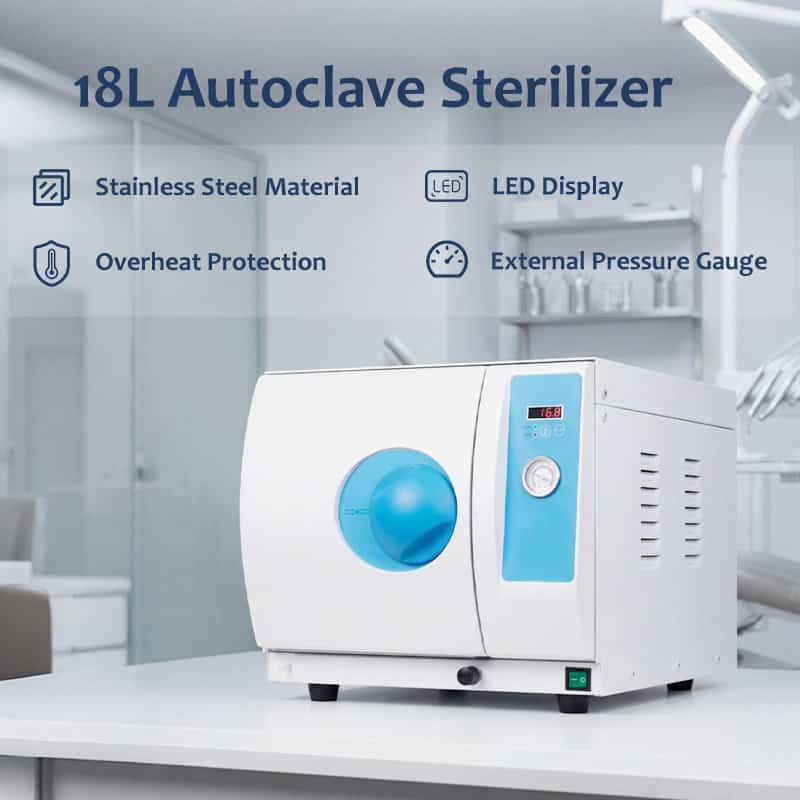
When branding a front-door autoclave configuration, distinguish permanent equipment identification from optional marketing artwork. Do not cover, remove or alter required identification or safety information as a graphic-design decision. Refer changes affecting that information to the manufacturer and qualified reviewers.
Give technical translation its own approval
A language review and a technical review serve different purposes. The first checks readability; the second confirms that the translation preserves the intended meaning for the exact equipment. Agree who performs each review and which source document controls the translation.
Check model names, units, symbols, figure references and warnings against the approved source. If wording is unclear, send a specific question to the technical owner. Do not simplify an instruction merely to make it fit a smaller label or a more attractive page layout.
Keep promotional language separate from operating instructions. Claims about approvals, performance or destination suitability require appropriate evidence and review before publication. A logo, badge or stock phrase should not be added because a competitor uses it.
Request a physical proof where appearance matters
A screen proof cannot establish printed colour, adhesive behaviour, surface placement or text legibility on the supplied material. Ask what physical sample or production proof the supplier can provide for the relevant item. Confirm the review conditions and who can authorize bulk printing.
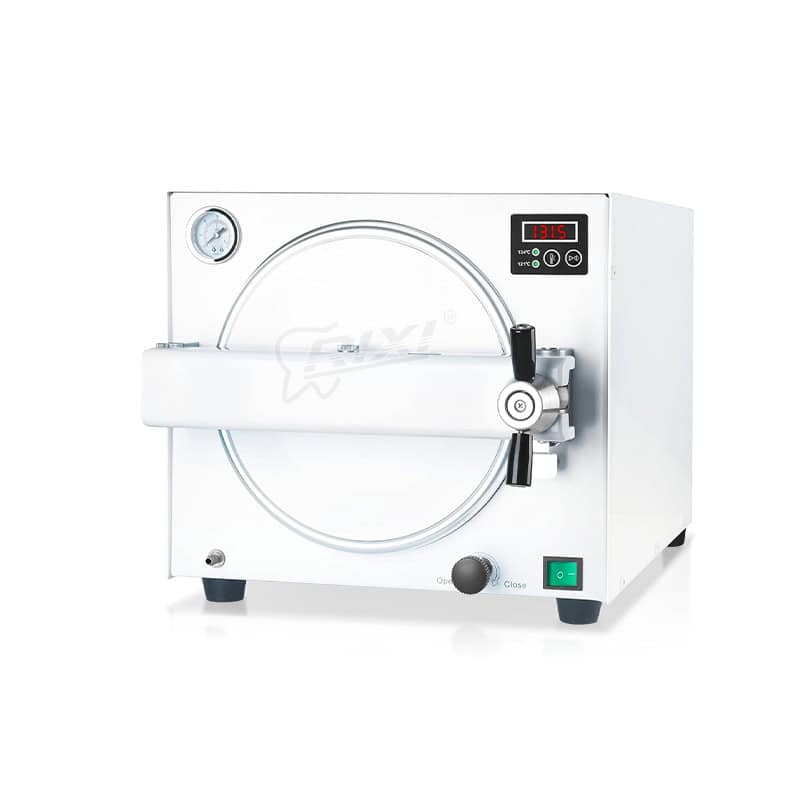
If the offer concerns a tabletop LED-display model, request the placement information for that model rather than transferring dimensions from another housing. Record limitations the supplier identifies, including areas that must remain accessible or unobstructed.
Approval should state exactly what has been accepted. A colour sample approval does not automatically approve the text, and a layout approval does not confirm regulatory suitability. Separate these decisions when different reviewers are responsible.
Release one controlled production set
Before bulk production, issue the agreed register and final files together. Identify the approver, date, applicable order and configuration. Ask the supplier to acknowledge which versions will be used and to flag any production change before substituting a file.
For repeat orders, check whether the model, manual, contact details or packaging arrangement has changed. Reusing an old logo does not justify reusing every old label. Retain the accepted proof and a record of the production set so the next order begins from a known baseline.
RIXI Medical is a dental equipment manufacturer and supplier in Foshan, China. Use a defined artwork register when discussing OEM/ODM requirements, and request model-specific technical documents separately from commercial design files.
Buyer questions
Is a logo file enough to approve a private-label order?
No. Agree the model, placement, relevant printed items, source files and approval responsibilities. The logo is only one part of the controlled package.
Can a translated manual be approved by a designer alone?
Its technical meaning needs review by an appropriate technical owner. Design and language approval should not replace that review.
Should artwork be reviewed again for a repeat order?
Check the current configuration and document revisions first. Reapprove affected items whenever the information or production arrangement changes.
Scope: General artwork-control guidance. Confirm available branding options with the supplier and market-specific marking requirements with qualified professionals.
Discuss an OEM/ODM artwork review with RIXI Medical using your model, destination, proposed branding items and file register.
Need Dental Equipment Pricing or Configuration Details?
Contact RIXI Medical for model comparison, distributor pricing, packaging information, OEM/ODM requirements and after-sales support.
Request Product Information