A clinic reports that a USB dental X-ray sensor no longer connects after a workstation change. The supplier receives only a message saying “sensor broken.” Without the model, software version, connection arrangement or exact error, neither side can distinguish a compatibility question from a possible equipment fault. Repeated requests for missing details delay the review.
A structured fault report gives a distributor or procurement team a useful starting point. It records what is known, protects the equipment from improvised repairs and makes the next responsibility clear. This guide covers supplier-side information gathering; it is not an instruction to perform clinical exposures, bypass software protections or repair a sensor.
Begin with the delivered configuration
Use the model and serial or batch identifier provided with the sensor, not the name of a broadly similar product. Add the order reference, delivery date if known, cable arrangement and included interface hardware. If a distributor assigned its own SKU, retain the manufacturer’s identification alongside it so the same unit can be traced through the case.
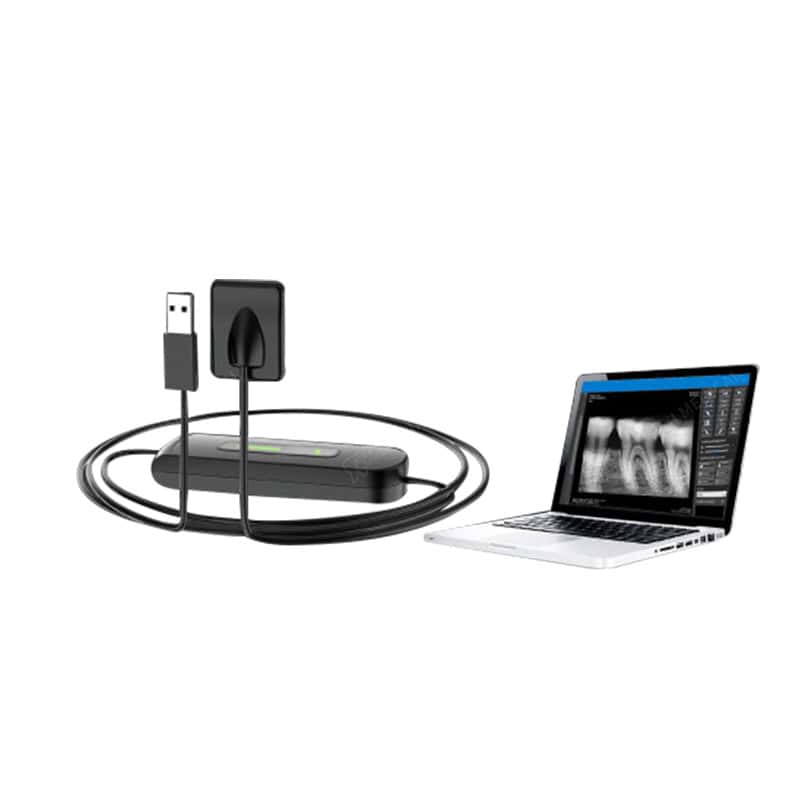
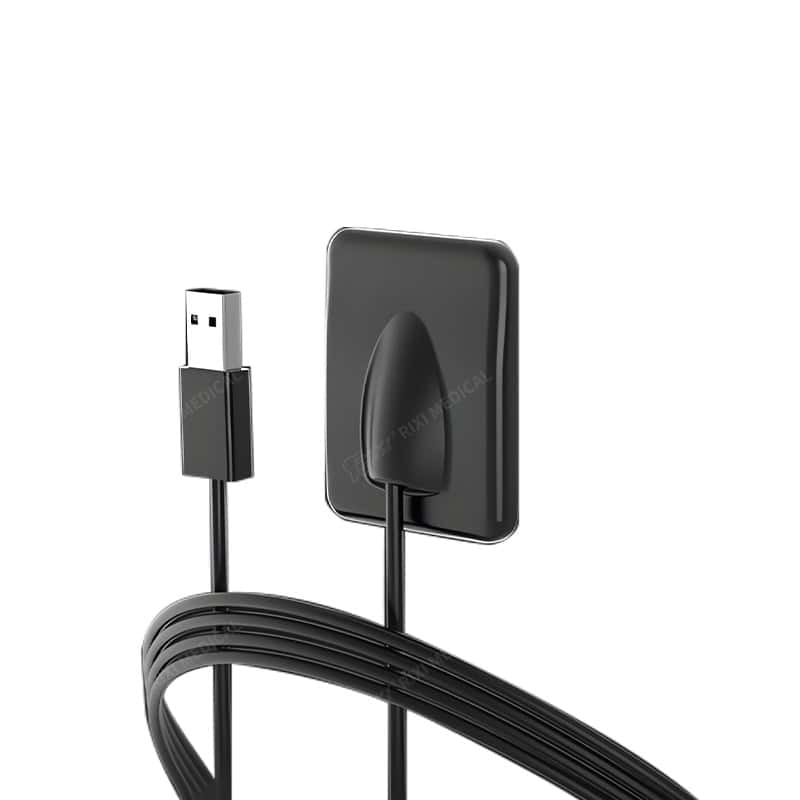
The RIXI USB sensor product listing can help identify the equipment family, but a web page does not establish the exact configuration delivered to a particular buyer. Use the confirmed packing list, specification and applicable manual. Record uncertainties openly rather than filling them with assumptions.
Describe the symptom before proposing the cause
Write down the exact observed behaviour: the device is not detected, the application presents an error, a connection is intermittent, or a file cannot be accessed. These are different reports. Include the complete error text and when it appears, such as during application launch or connection. Avoid converting an unconfirmed observation into “failed electronics” or another diagnosis.
Explain whether the configuration previously worked and what changed before the issue. Relevant changes might include the computer, operating system, application version, connection accessory or movement between rooms. A timeline is more useful than an unsupported conclusion about which component caused the problem.
If clinical imaging quality is the concern, the clinic’s qualified professionals must direct its evaluation. Do not initiate extra patient exposures to gather evidence for a commercial support request. Share only appropriately authorized, de-identified material where it is necessary and accepted by the responsible parties.
Build a concise evidence pack
| Record | Useful detail | Boundary to respect |
|---|---|---|
| Equipment identity | Sensor model, identifier, order and interface version | Do not substitute a similar catalogue model |
| Software environment | Operating-system build, imaging application and installed driver versions | Never send passwords, activation secrets or administrator credentials |
| Connection map | Direct port or approved intermediate hardware, with references | Do not imply that any USB adapter is supported |
| Observed symptom | Exact message, timing and frequency, with a cropped screenshot | Remove patient names, records and unrelated personal information |
| Physical condition | Overview and close-up photos of housing, cable junction and connector | Do not open the housing or bend a suspect cable to reproduce a fault |
| Action history | Supplier-approved checks already completed and their outcomes | Do not repeat potentially damaging actions for a video |
Keep this pack short enough for the recipient to review. A small set of labelled images with one clear timeline is usually more useful than an unstructured collection of chat messages. State which observations came from the clinic and which details the distributor independently checked.
Keep hardware, software and local IT responsibilities separate
A sensor supplier, imaging-software provider and clinic IT team may own different parts of the same issue. Identify the contact responsible for each. Request a supported configuration reference before changing drivers, operating-system settings or connection accessories. Any remote access should follow the clinic’s own authorization process and approved support arrangements.
The separate sensor installation and IT handover guide covers initial deployment. For an existing support case, use its records to establish the last accepted setup rather than treating every incident as a new installation. Keep the application and driver versions with the case so a later change can be evaluated against a known baseline.
A physical fit concern belongs in the same record but needs different evidence. If a holder presses against the sensor or cable junction, refer to the sensor holder compatibility checklist. A difficult accessory fit should not be investigated by forcing the assembly or modifying the holder.
Agree the service route before shipping equipment
Ask the supplier whether the next step is document review, an authorized local service assessment or a return evaluation. Obtain written return instructions and a case reference before dispatch. Confirm the items to send, the destination and the required condition, including any manufacturer-directed preparation and applicable transport requirements.
Keep warranty eligibility separate from the symptom report. Coverage, assessment charges, shipping responsibility and any replacement arrangement depend on the actual agreement and review outcome. A support case does not establish a warranty decision, and a preliminary discussion should not be represented to a customer as a promised replacement.
If equipment must leave the clinic, record its identifiers and external condition, prepare the agreed packing list and retain the shipment details. Avoid adding unrelated patient data or sending accessories the receiving party did not request. The supplier should state what information or items are needed for its assessment.
Close the case with a usable handover record
Record the action authorized, the responsible party, configuration changes and the checks accepted by the clinic’s qualified team. State whether the case is resolved, awaiting evidence or awaiting service. Keep a replacement unit’s identifier separate from the original unit so future enquiries refer to the right equipment.
A distributor reviewing its dental imaging equipment portfolio can use anonymized case categories to identify gaps in documentation or onboarding. Avoid treating a few support reports as a measured product failure rate. The objective is clearer records and escalation, not unsupported reliability claims.
Questions from distributors and clinic buyers
What should accompany the first support message?
Send the model and identifier, exact symptom, recent changes, software environment and a few labelled, privacy-checked images. Include the order and contact reference where available.
Should a distributor diagnose the sensor from photographs?
No. External photos support identification and review. Internal fault diagnosis and repair decisions belong with the appropriately authorized service personnel.
Can software be reinstalled as a routine first step?
Use the supplier’s supported instructions and the clinic’s IT approval process. Preserve version information and relevant records before an authorized change.
Does opening a support case confirm warranty coverage?
No. Ask for the model-specific agreement and assessment process. Commercial coverage and responsibilities require separate confirmation.
Scope: General procurement and support-document guidance. Follow the actual equipment instructions, qualified local advice and the clinic’s clinical, data-security and safety procedures.
RIXI Medical is a dental equipment manufacturer and supplier in Foshan, China. Use the technical support enquiry guidance, then request the model-specific fault-report and service requirements.
Need Dental Equipment Pricing or Configuration Details?
Contact RIXI Medical for model comparison, distributor pricing, packaging information, OEM/ODM requirements and after-sales support.
Request Product Information