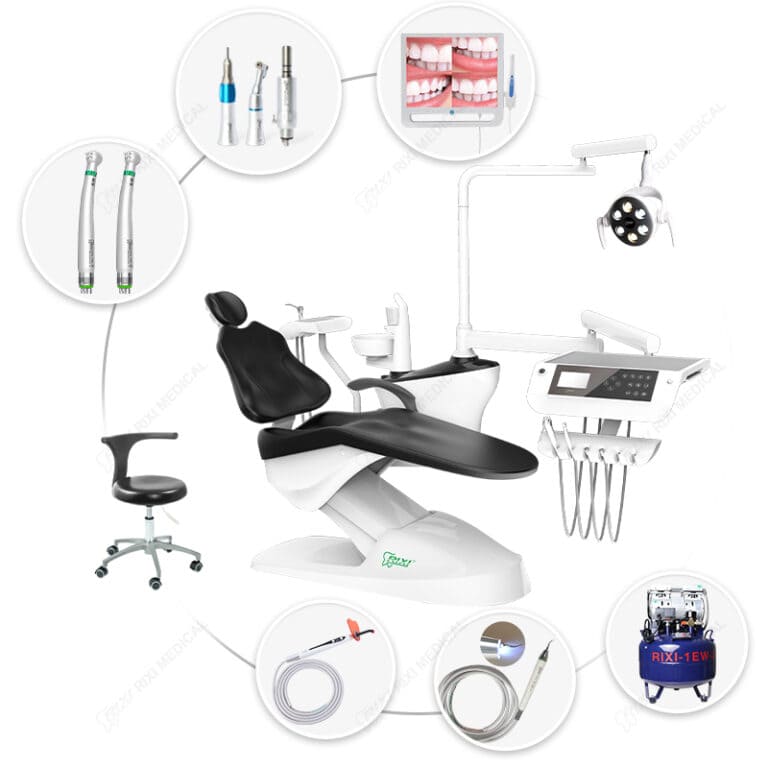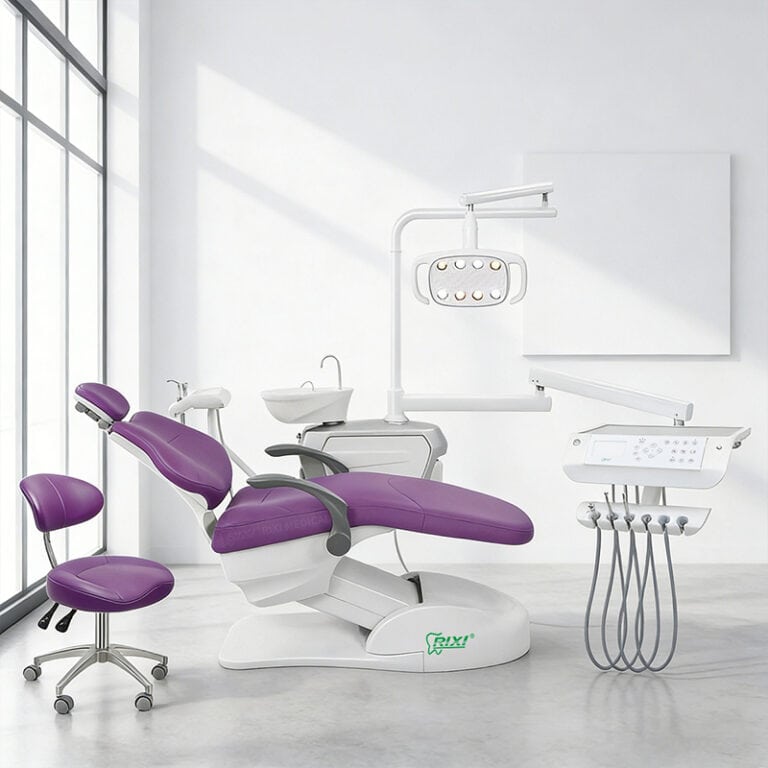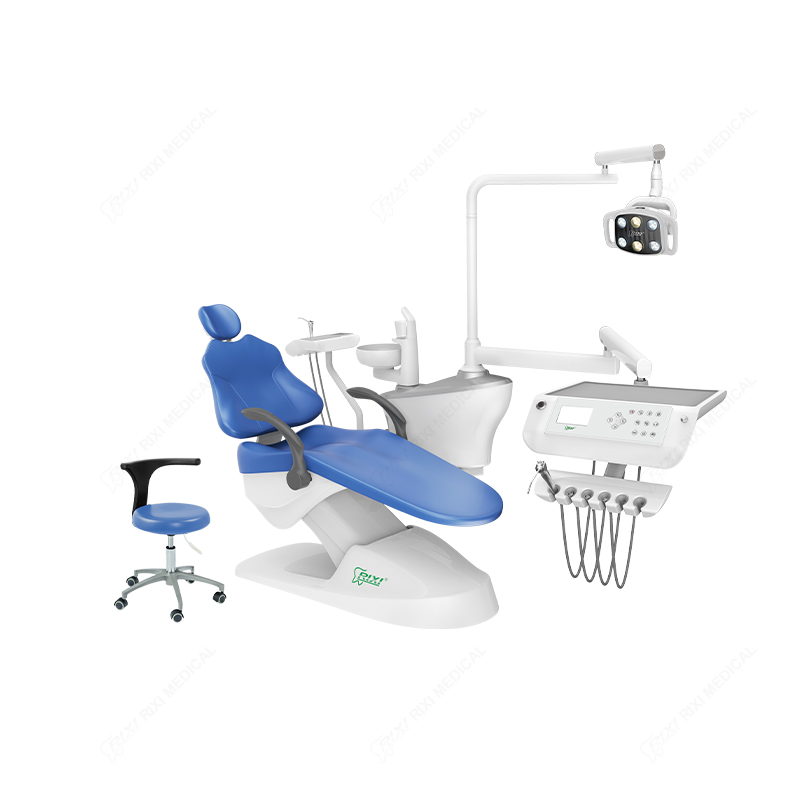
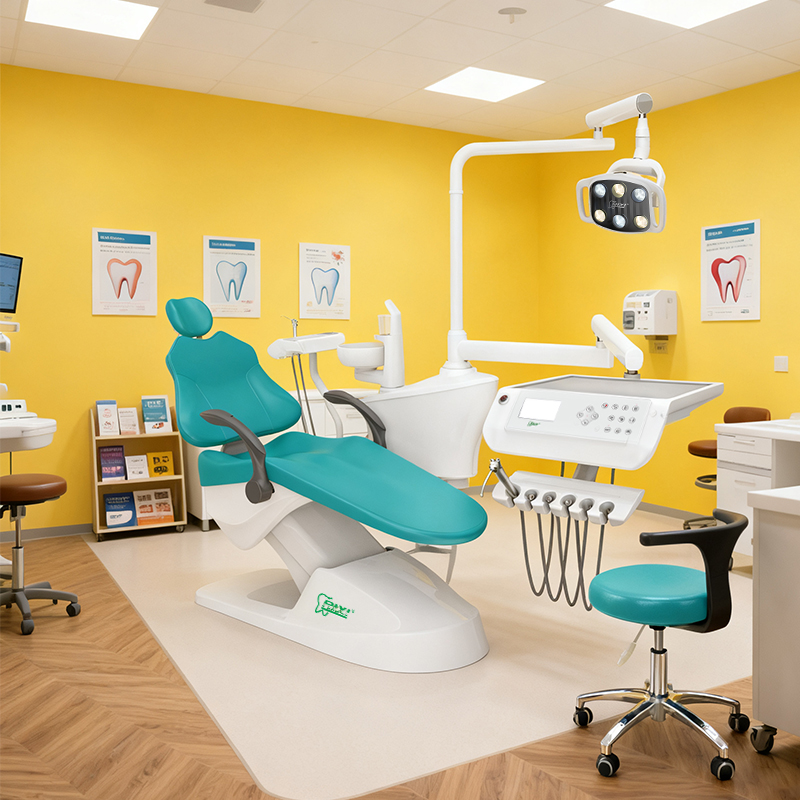
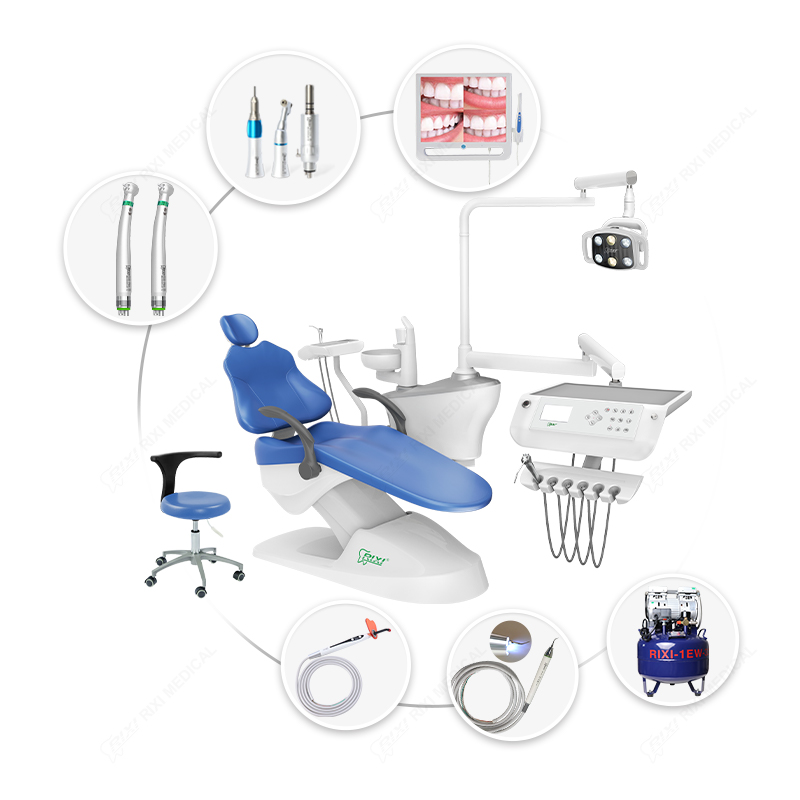

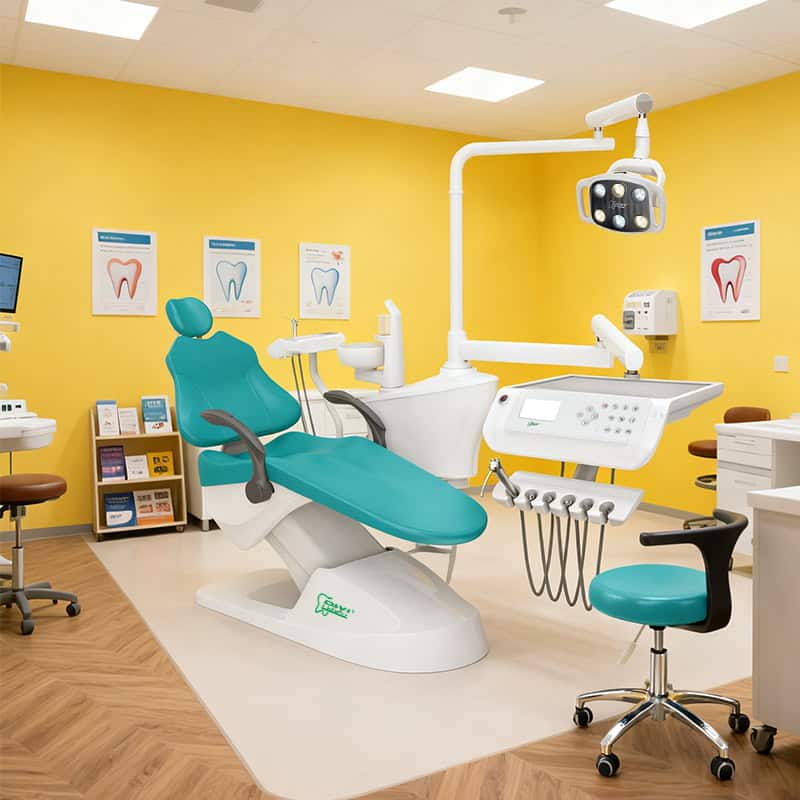
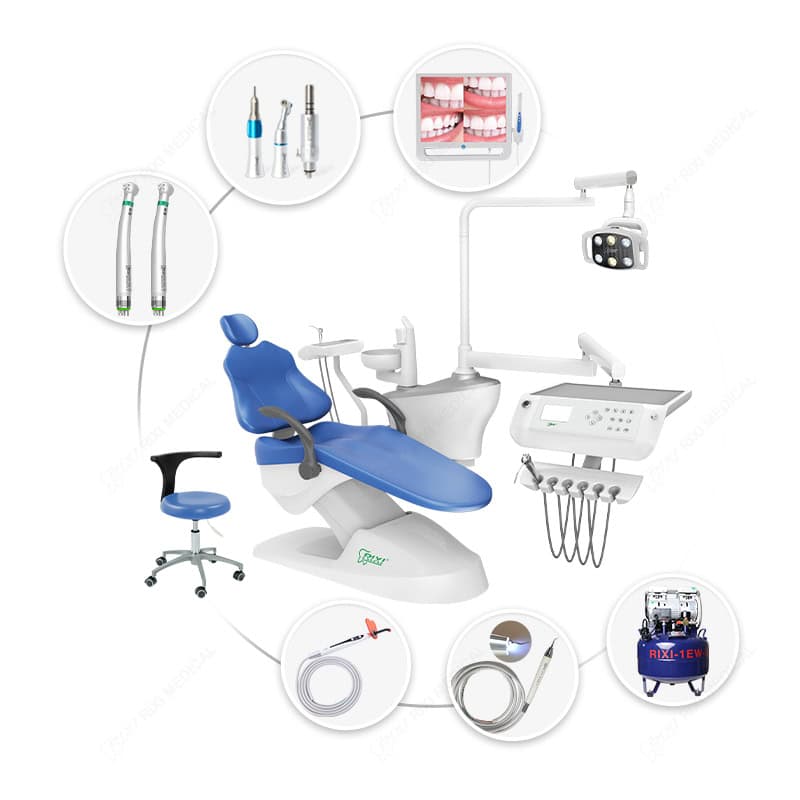
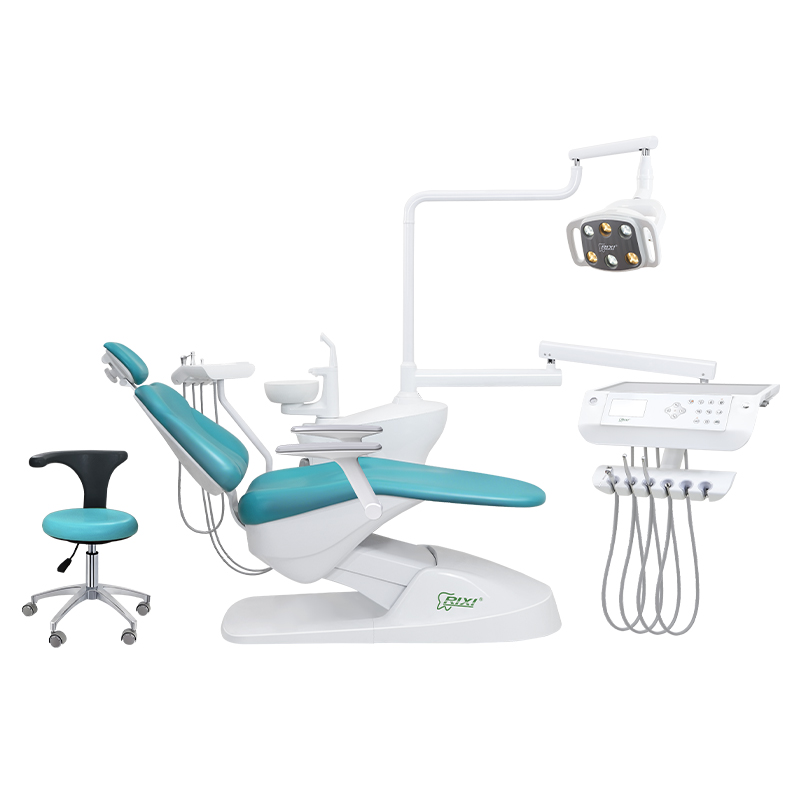
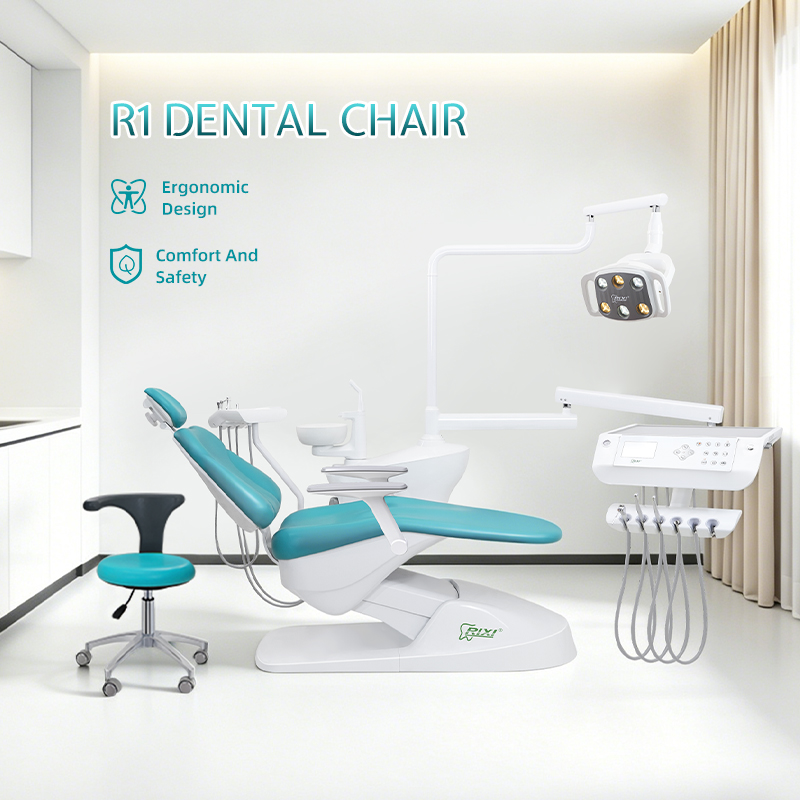
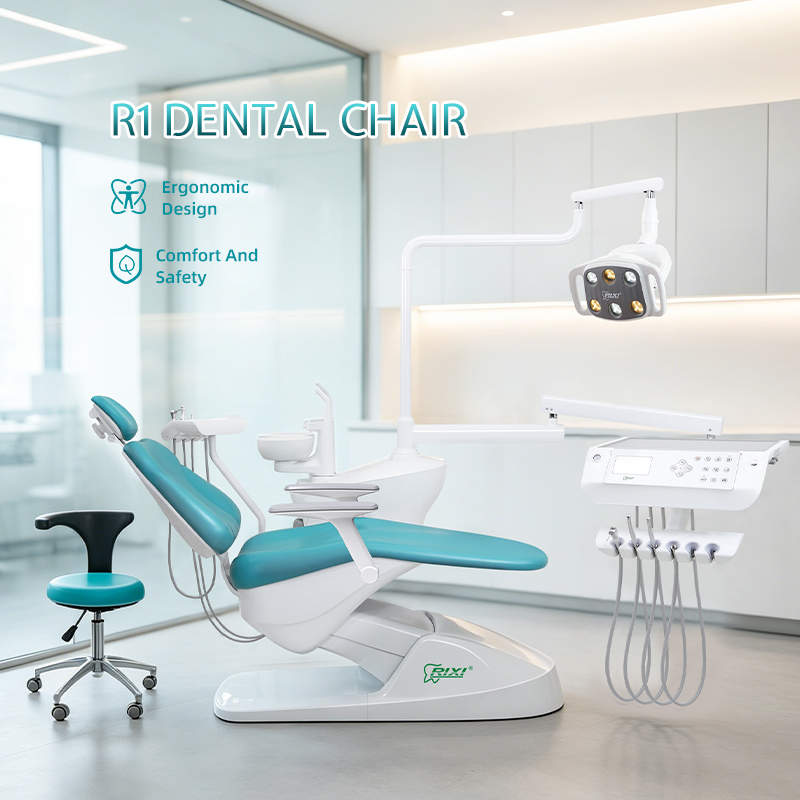
Select a thumbnail to browse the new R1 from different angles.
R1 Integrated Dental Chair: Light & Side Box
Review the updated R1 from six angles, then check side box clearance, instrument delivery, lighting and foot control before approving the room plan and order.
- Model: R1 integrated dental chair unit
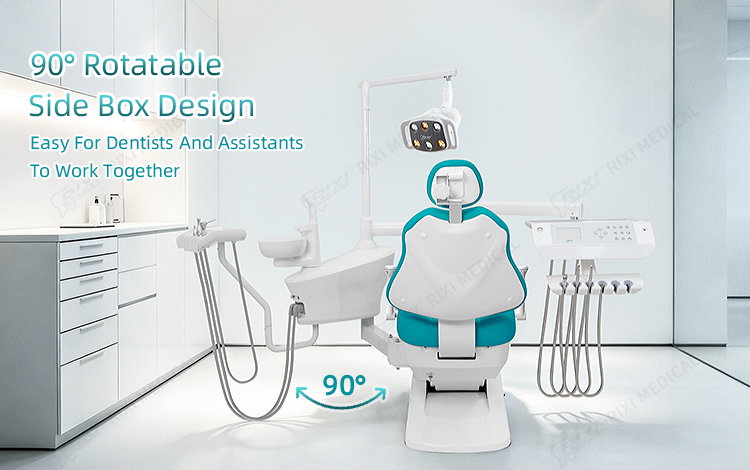
- Layout: Rotatable side box and chairside instrument delivery
- Controls: Chair positioning and multifunction foot pedal shown
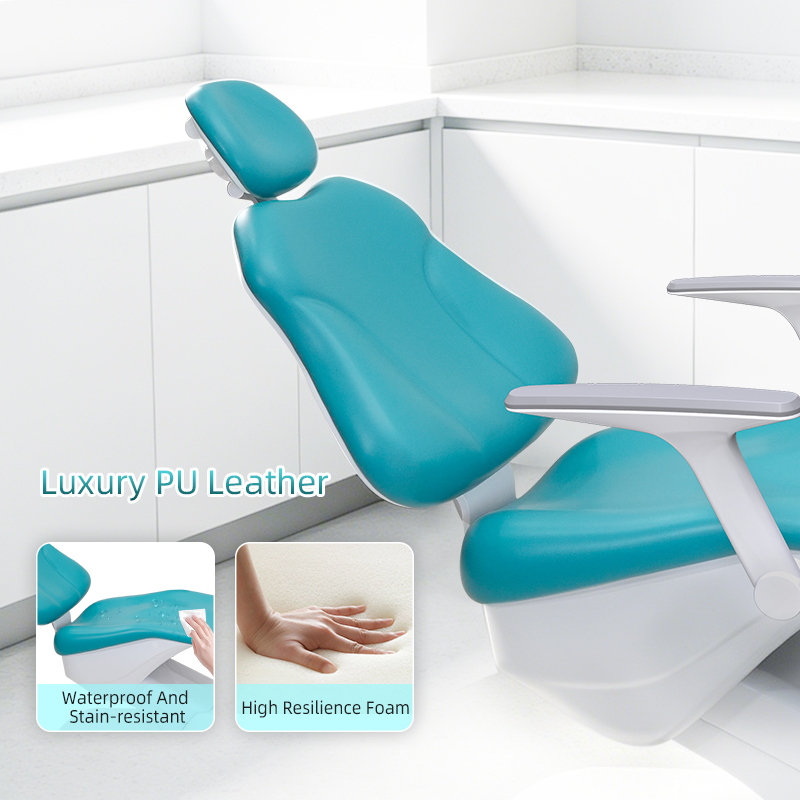
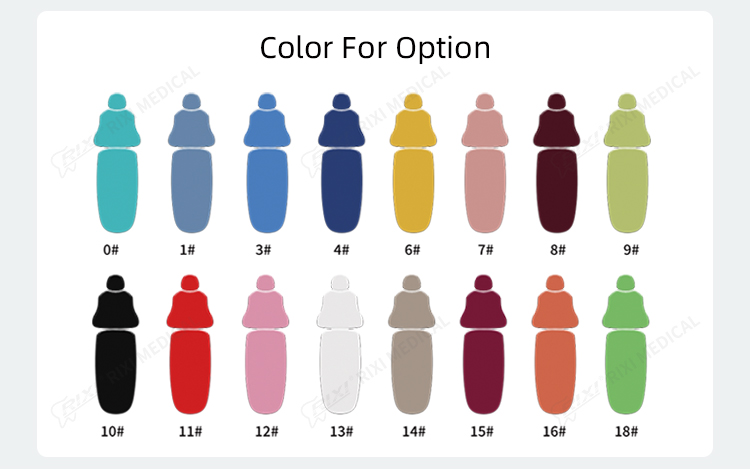
- Finish: Turquoise shown; confirm available upholstery colors
- Order scope: Confirm accessories, utilities and installation drawing in the quotation
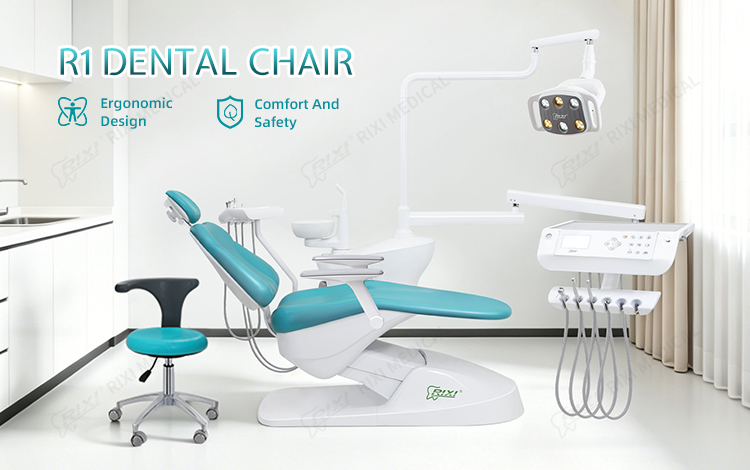
Product images show the current turquoise-and-white R1. They identify the visible assemblies, while the final quotation and model-specific technical documents define what is supplied. Request the current configuration list and installation drawing before setting utilities or cabinetry.
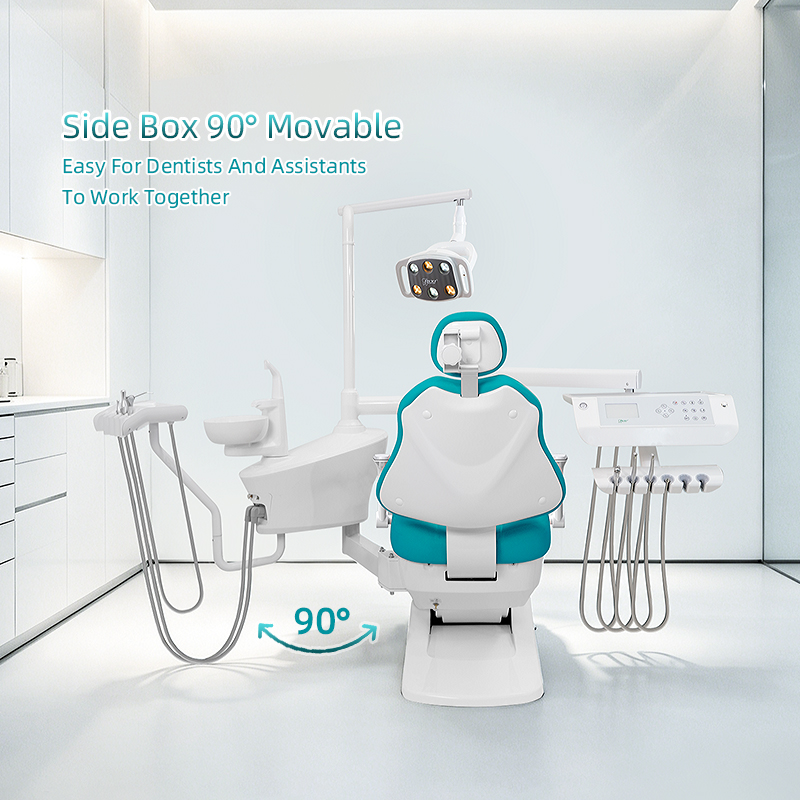
Side box rotation and room clearance
The supplied images show a side box that turns toward the working area. The pictured rotation is useful for planning assistant access, but a room drawing must account for the complete movement envelope, service panels and nearby cabinets. Ask for the current R1 footprint and connection drawing rather than estimating the clearance from a photograph.
Layout review
Mark the chair centerline, operator and assistant positions, patient entry path, cabinet doors and the side box in its operating and parked positions. Confirm that tubing and instrument holders do not obstruct the working path.
Service review
Identify the access panels, utility entry, isolation points and available working space for a qualified technician. The room plan should be checked against the exact delivered configuration.
Agree on the operating light and delivery console
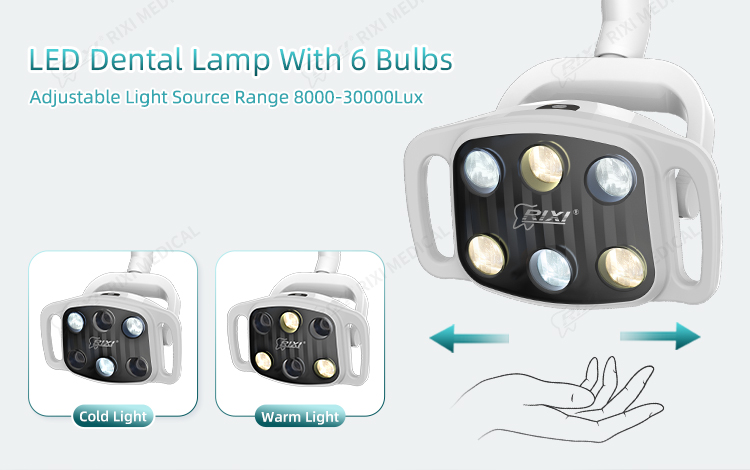
The new R1 photographs show an LED operating light with warm and cool modes and a sloped instrument delivery tray. Before ordering, specify the handpiece holders, tubing, syringe, suction and any options in a written schedule. Request the light data sheet, console arrangement and mounting information for the selected build.
Images of a complete chair can include items that are optional or configured differently for a distributor package. Match each quoted line to the final bill of materials and clarify what is packed separately.
Position controls and installation handover
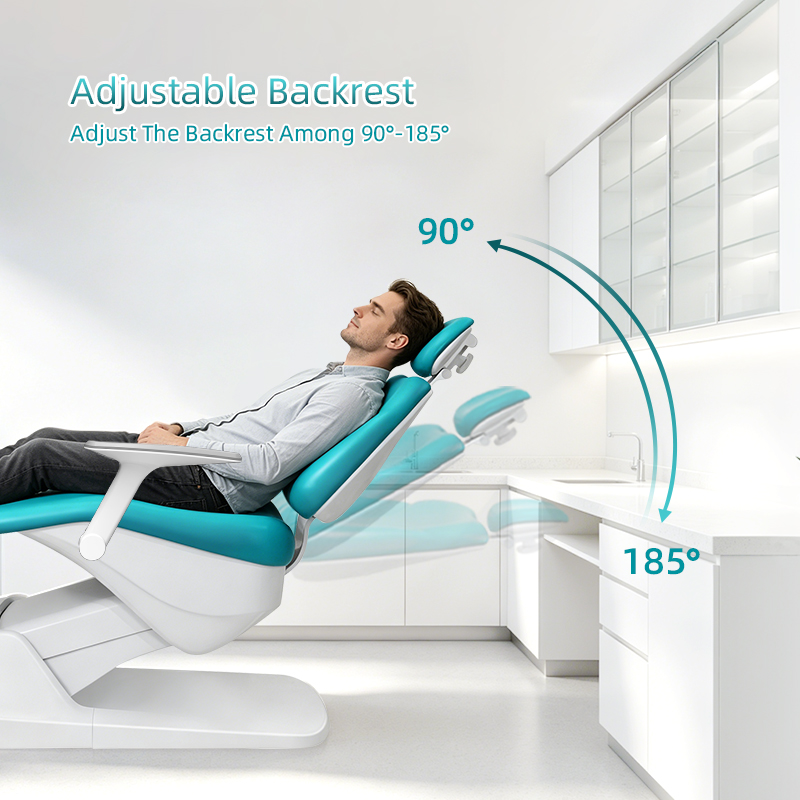
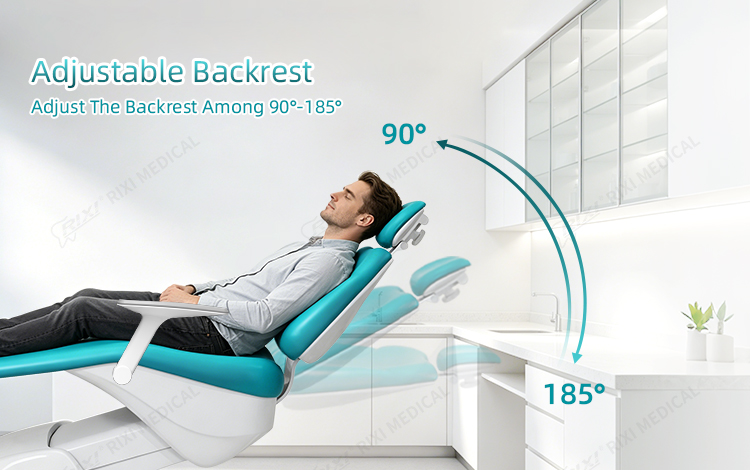
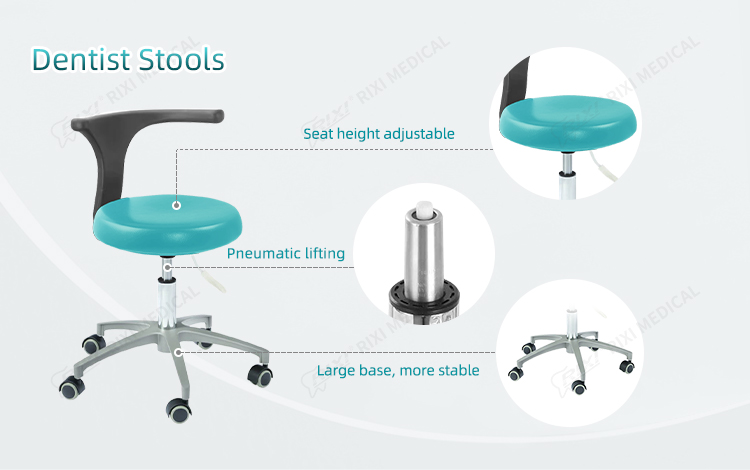
Review the backrest, headrest and foot control with the supplier and installer. Confirm the movement range, pedal assignments, upholstery choice and service access for the exact model ordered. The pictured stool and accessories should be explicitly included or excluded in the quotation.
Have locally qualified professionals review electrical supply, air and water quality, drainage and other site connections. The supplier’s model-specific installation drawing and utility schedule should govern the work; the values should not be inferred from this page.
R1 product detail views



R1 configuration request checklist
- Current model and revision, selected upholstery and the signed accessory schedule
- Floor footprint, side box movement envelope and service access drawing
- Light, delivery console, handpiece holders, syringe, suction and pedal function list
- Electrical and utility requirements for the destination site
- Packing list, installation instructions, maintenance guidance and spare parts identification
RIXI Medical can review a room plan and equipment schedule for an R1 quotation. Browse the dental chair range or read the R1 product overview for a broader model presentation.
Need Dental Equipment Pricing or Configuration Details?
Contact RIXI Medical for model comparison, distributor pricing, packaging information, OEM/ODM requirements and after-sales support.
Request Product Information