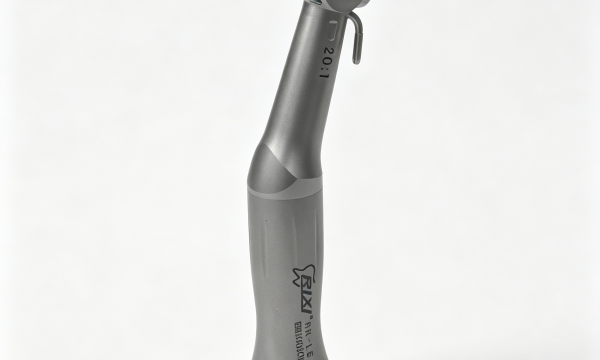
Dental implant instruments should arrive with records that let a clinic or distributor identify the exact model, confirm compatible interfaces, follow the correct processing instructions and request support without guessing. This guide explains how to build and audit that document pack. It is a procurement and handover resource, not clinical guidance.
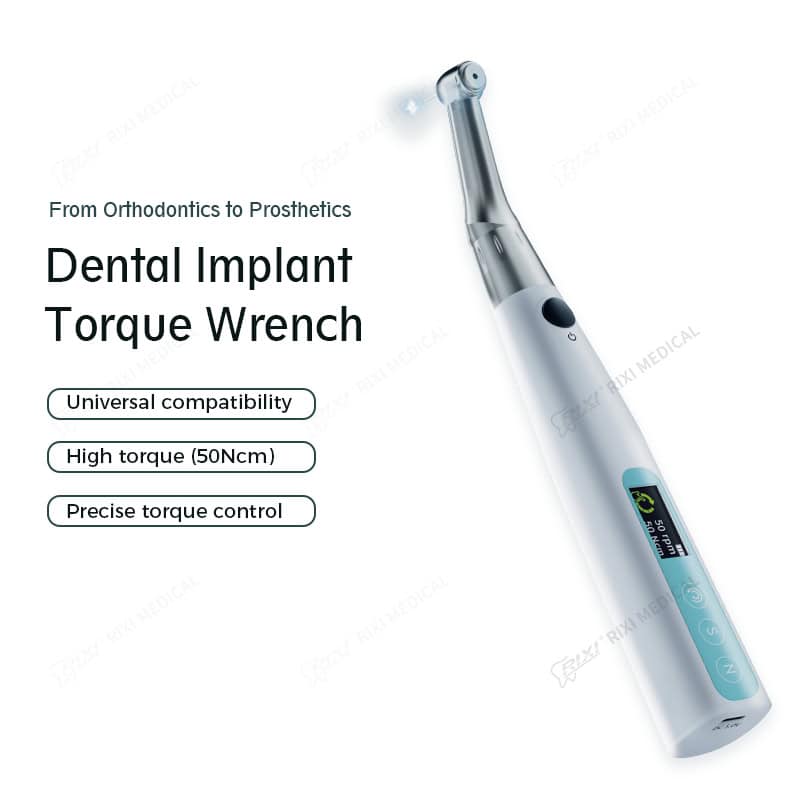
Create one controlled record for each instrument or device: model identity, configuration, compatibility evidence, included accessories, current instructions, processing information, receiving data and the support route.
Why documentation is a separate procurement decision
A product can appear complete while its records remain too vague for safe purchasing or reliable after-sales support. A generic brochure may show a family of devices but not identify the supplied version, included adapters or current instructions. A verbal statement that an instrument is “compatible” does not tell the buyer which connections, drivers or accessories were checked.
This article therefore serves a different search intent from the implant instrument compatibility buyer guide. That page helps compare options; this one focuses on document control and traceability after a candidate has been selected.
Start with an equipment identity record
Create a line item for every device, reusable instrument set and powered accessory. Use the exact model code shown on the quotation, label and supporting documents. Record the supplier’s product name, supplied configuration, power version where applicable, included accessories and the document revision used during approval.
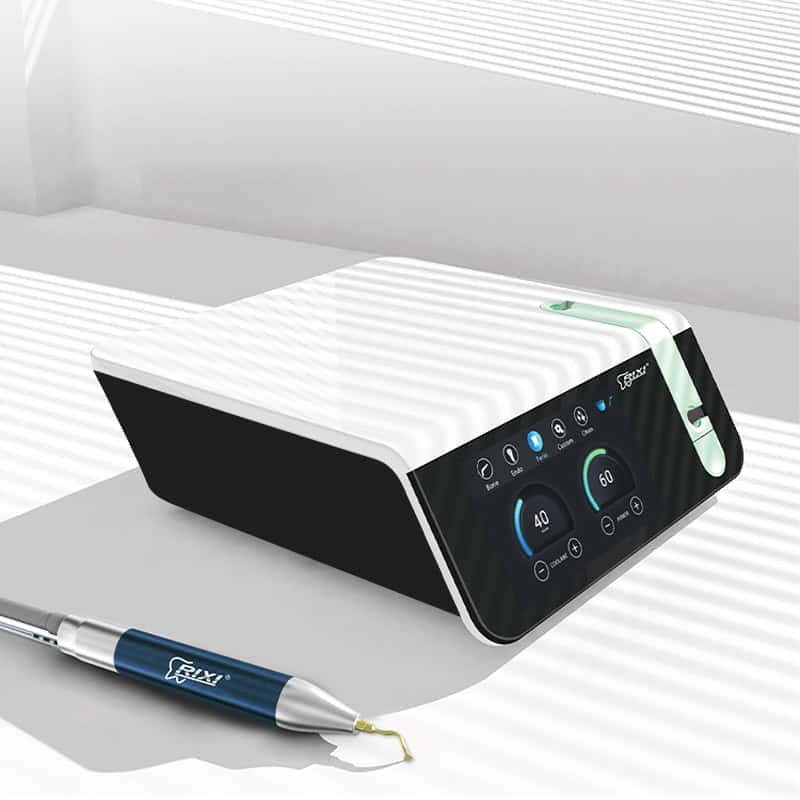
Do not combine several products under a broad description such as “implant kit” if the components have separate instructions or service routes. When a purchase includes a torque device and a dental piezo surgery unit, maintain a separate record for each system and its accessories.
| Record field | What to capture | Why it matters |
|---|---|---|
| Product identity | Exact model, version and label name | Prevents support against the wrong product |
| Configuration | Included drivers, adapters, cables, trays and options | Defines what was approved and delivered |
| Compatibility | Supported interfaces and any stated limitations | Replaces vague “universal” claims with evidence |
| Instructions | Document title, language, revision and issue date | Shows which instructions were current at handover |
| Receiving data | Quantity, serial or batch identifiers where present | Connects the physical shipment to the record |
| Support | Fault evidence, contact route and parts reference | Reduces delays when a case needs escalation |
Control compatibility evidence
Ask the supplier to identify the exact implant connections, drivers, adapters or other interfaces supported by the proposed instrument. The document should name the relevant models or connection families and state any configuration limits. Buyers should not infer compatibility from a similar appearance, a shared tip shape or an unqualified use of the word “universal.”
Keep the compatibility record with the purchase specification and make it available to the staff responsible for setup, inventory and support. If the clinic changes implant systems or adds accessories, update the record rather than annotating an old brochure informally. Clinical selection and torque values must come from the applicable implant-system and equipment instructions and qualified clinicians; this procurement guide does not provide those settings.
Build a controlled instruction set
For each item, list the operating, cleaning, disinfection, sterilization, charging, storage and maintenance documents that apply. Not every document will be relevant to every instrument, but the record should make the boundary clear. If an accessory has different processing restrictions from the main device, keep that instruction with the accessory.
Check that model names, images and interfaces in the instructions match the delivered configuration. Record the language and revision. Where translations are supplied, the distributor should know who prepared and approved them and how later revisions will be communicated. Avoid editing technical instructions locally without a controlled review process.
Separate product documents from commercial claims
Specifications, declarations, certificates, test summaries and marketing claims are not interchangeable. A buyer should request only the evidence relevant to the product and destination, then verify the issuing organization, product scope, model references and validity directly. Do not extend a document from one model to another because the products share a housing or brand.
Warranty scope, response times, parts availability and service responsibilities also belong in the commercial agreement. They should not be inferred from a product page. Use the implant equipment distributor package checklist when packaging, labeling, artwork and first-line support are part of the program.
Document receiving and handover
At receipt, compare the shipment with the approved configuration and packing list. Record quantities, model labels, serial or batch identifiers when present, visible shipping damage, missing accessories and document versions. Photograph discrepancies with an item reference so the supplier can identify the affected component.
The clinic handover should identify where current instructions are stored, who maintains the equipment register and how faults are escalated. The dental implant equipment planning and clinic handover guide covers the wider room, storage and responsibility workflow.
Define change control before repeat orders
A repeat order should reference the approved configuration and document revision. Ask the supplier how component, label, packaging, firmware, accessory or instruction changes are communicated. Not every change has the same impact, but buyers need enough notice to assess compatibility, inventory, training and support implications.
For private-label or distributor programs, establish who approves artwork and technical text, who owns the master files and how obsolete versions are withdrawn. A new carton or logo should not obscure the model identity required for support. Keep commercial artwork control separate from technical compatibility approval.
Practical document-pack checklist
- Quotation or purchase specification with exact model and configuration
- Accessory and interface list linked to the supplied item
- Compatibility statement with scope and limitations
- Current instructions and processing information
- Packing list and receiving inspection record
- Serial or batch information where provided on the product
- Service, parts and fault-escalation route
- Change-notification and document-revision process
Before closing the order, assign an owner for every missing item and set a required evidence date. “To be provided later” is not a traceability system. RIXI Medical’s company page gives organizational context, while the buyer FAQ covers general cooperation questions. The buyer should still request the exact records needed for the selected model and market.
Frequently asked questions
Is a catalog enough to identify an implant instrument?
Usually not. A catalog may cover a product family. Procurement records should identify the exact model, configuration, interfaces and current instructions for the supplied item.
What if the supplier calls an instrument universal?
Ask for a written compatibility scope that names supported interfaces and limitations. Do not rely on the word alone.
Should serial numbers be recorded?
Record serial or batch identifiers when they are present and relevant to the product’s support or traceability process. Do not invent identifiers for items that are not marked that way.
How should revised documents be handled?
Record the revision, distribute the approved version, withdraw obsolete copies where practical and assess whether the change affects configuration, processing, training or support.
This guide addresses procurement documentation and operational traceability. Model specifications, market requirements and clinical instructions must be confirmed from current authoritative documents for the actual equipment and destination.
Request a model-linked document pack
Provide the exact model, configuration and destination requirements. Ask RIXI Medical to identify the current documents and accessory records that apply to the proposed order.
Review an implant equipment configurationNeed Dental Equipment Pricing or Configuration Details?
Contact RIXI Medical for model comparison, distributor pricing, packaging information, OEM/ODM requirements and after-sales support.
Request Product Information